Gamma Control
Per-screen color adjustments.
Download (6.3.4) / Buy direct or Mac App Store
Upgrade from version 5
Gamma Control is used by designers, photographers, and filmmakers to improve color reliability or adjust screens so they fit within various lighting conditions in pictures or videos. It can also be used when playing games or viewing videos to reveal details normally too subtle to be seen.
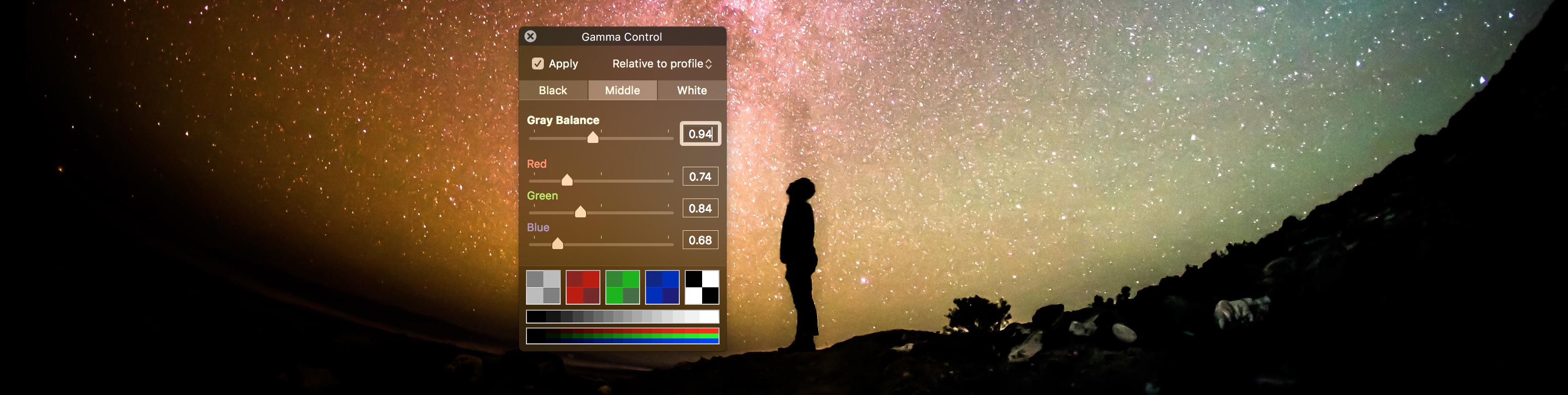
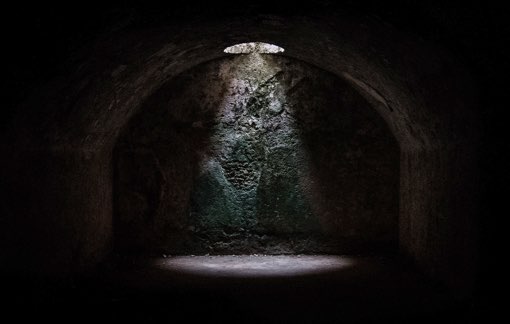
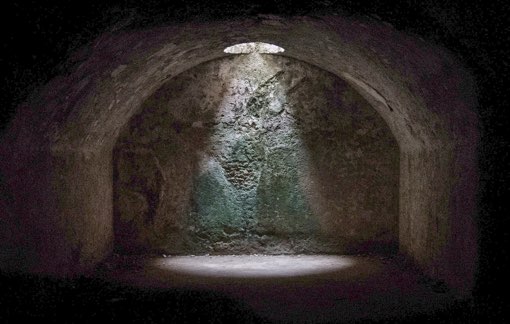
Unveil secrets lurking in shadows
The middle point adjusts the tint for grays and can lighten or darken intermediate colors. The setting applies to the whole screen in real-time so you don’t need to take a screenshot and open an image editor. Just start your video or play your game and enjoy the lack of darkness.
Avoid flicker with LED-backlight panels
Many LCD panels today adjust the brightness of their backlight using PWM (pulse width modulation), switching it on and off quickly like a strobe. Generally invisible to the naked eye, this will often result in horizontal or vertical lines when captured on camera.
To avoid this, maintain the screen at its maximum brightness and instead reduce the luminance of the white point using Gamma Control.
Blending in the decor

Gamma Control lets you balance the screen’s colors with the ambiant light. If the screen looks too blueish or is otherwise clashing with its surroundings, adjust the white point to better match the the environnement and lighting.
If you are filming with a camera and the mid-range colors appear too bright (washed out) or too dark, adjust the middle point until the camera sees things the way you want.
Create a color profile
You can export Gamma Control settings in a color profile. This profile can be attached to a screen in System Preferences and the settings will stick even when Gamma Control is not open.
You’ll need to export a new profile and select it again in System Preferences if you want to change the settings.
Calibration Patterns
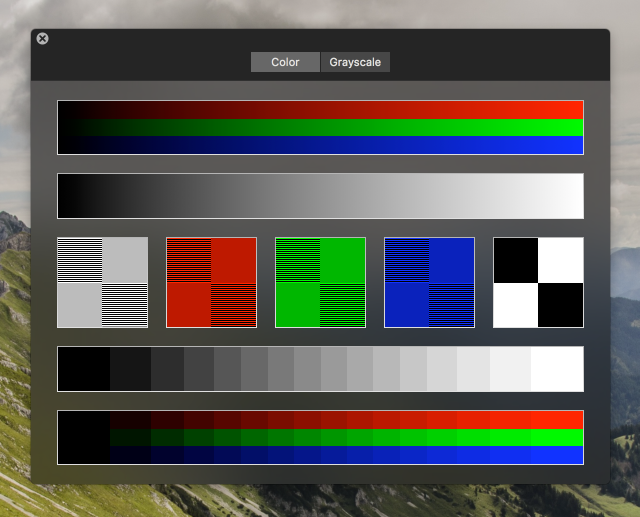
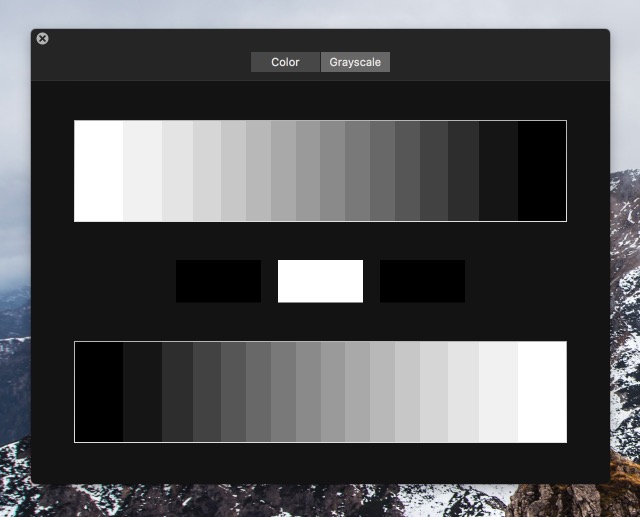
Gamma Control has calibration patterns integrated in its control window. Click on them to enlarge in a separate resizable window you can look at from a few feet away.
Configure from a distance
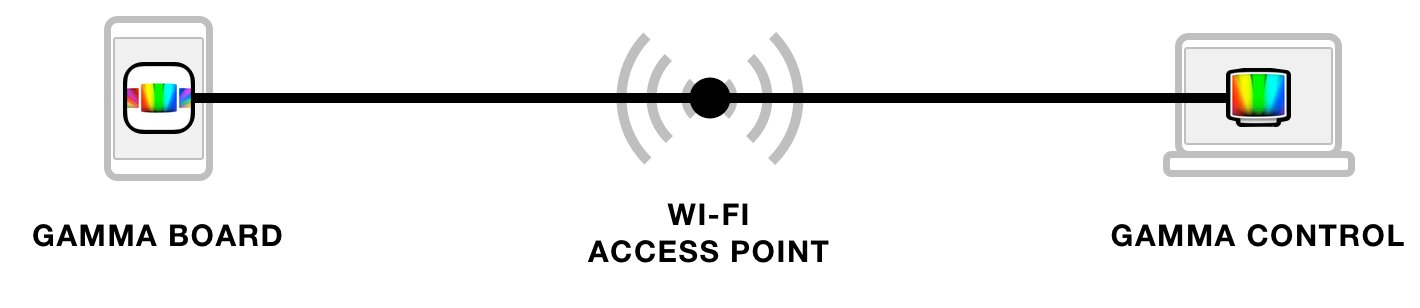
Use Gamma Board to change the settings remotely from an iPhone or iPad on the same network. Check Allow remote configuration in the preferences and this Mac is ready for Gamma Board.
More Possibilities
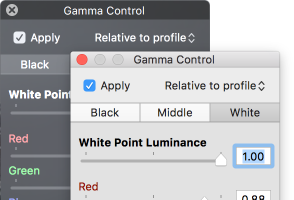
Toggle between dark mode and light mode following your preferences.

Move the Gamma Control icon to the menu bar to save space in the dock.